
Is this a knowledge base editor?
Answer
No. There is no article editor, no version history, and no publishing workflow. It holds questions and answers, and it is meant to sit beside a knowledge base rather than replace one.
Compare
Article tools are priced per plan, and per seat on some tiers. This page says what each one is for, in plain words. Then it shows the cheaper shelf next to them: the questions your customers actually asked, answered once. $9 one time on a Forumcat subdomain, or $99 a month for your own domain.
This is not a knowledge base editor. It is a public Q&A archive that sits beside one.
Free for 7 days. No credit card. Live in about five minutes.
The shape of it
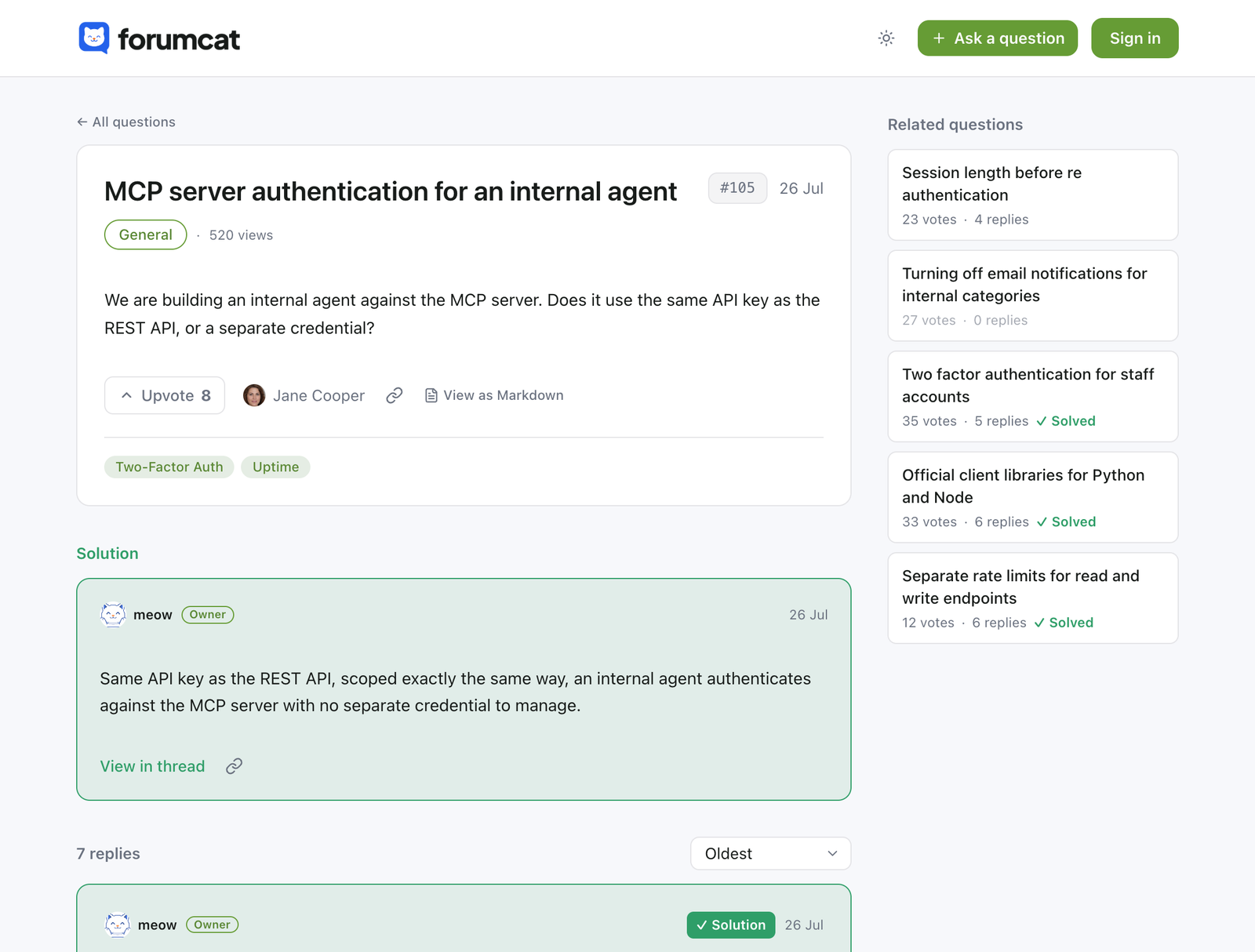
A knowledge base holds the articles your team decided to write. Someone plans them, writes them, and keeps them in order.
A Q&A archive holds the questions your customers actually asked. The order comes from them, not from a content plan.
Most support teams end up wanting both. The articles explain the product. The questions cover the corners no article thought of.
Search
Every search on your portal is counted. When a search finds nothing, it lands in a list you can read on the Analytics page.
That list is the honest version of a content plan. It is written by the people you are writing for.
Side by side
Both are help content. They are made in different ways, and they age in different ways.
| Knowledge base article | Answered question on Forumcat | |
|---|---|---|
| Who writes it | Someone on your team, ahead of time | A customer asks, your team answers once |
| Where the topic comes from | A content plan | A real customer, in their own words |
| How it stays current | Someone reviews and edits it | Replies keep arriving, and the accepted solution sits on top |
| Findable by | Your site search, and Google when the page is public | Portal search, Google, and AI engines |
| Structured data | Varies by tool | QAPage on every answered question, set up for you |
| Private cases | Varies by tool | A private question, or a whole private category |
| Cost shape | Per plan, per seat on some tiers | $9 one time, or $99 a month on your own domain |
| Time to the first one | As long as writing takes | The day a customer asks |
The left column describes article tools as a group, not any one vendor. Vendor numbers move, so price them on their own pricing pages.
Related questions
While a customer types a title, the form shows questions that look like it. Many people stop there and read the answer.
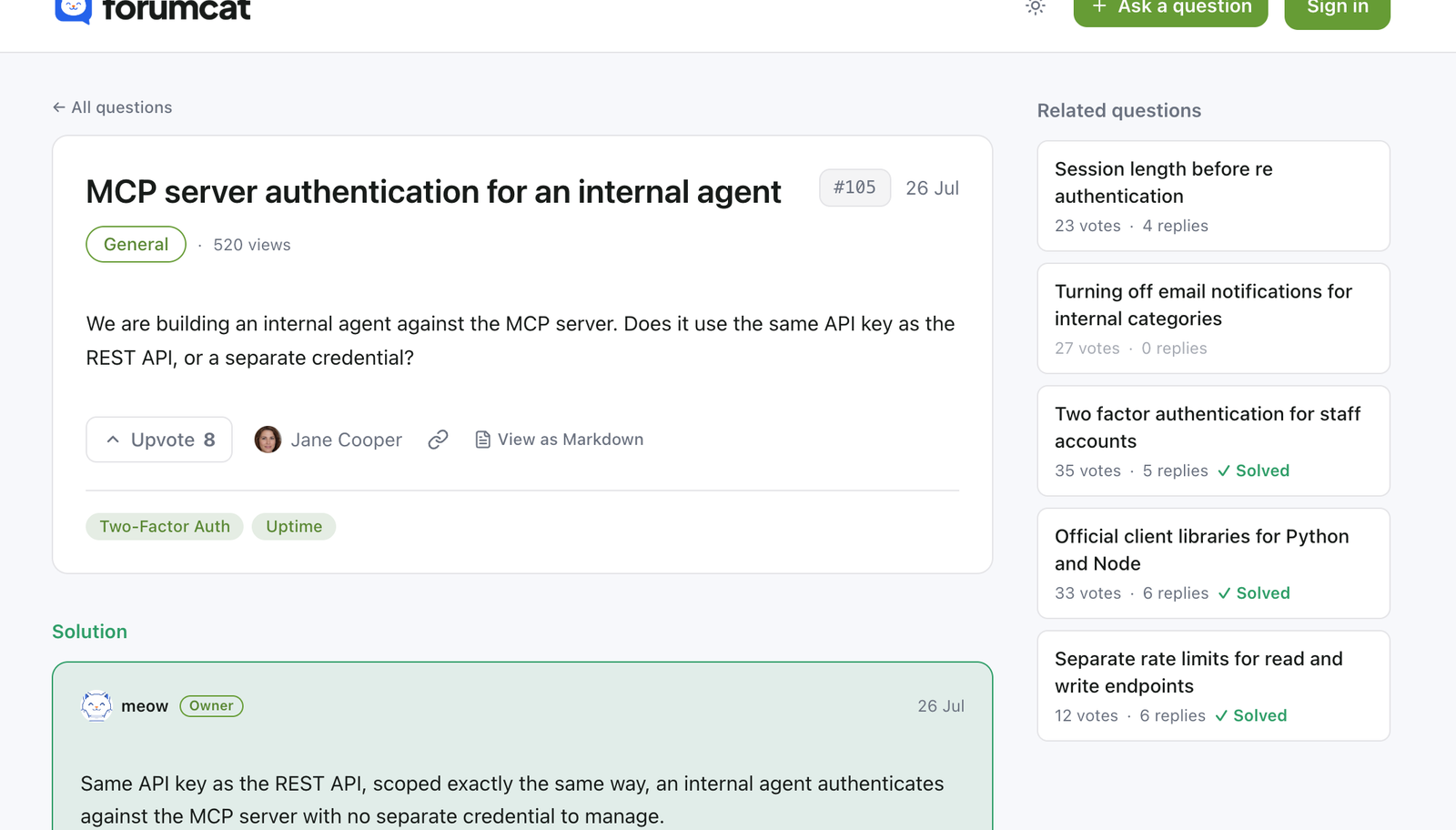
Every thread also carries up to five related questions beside it, so one answer leads to the next one.
The shelf you are pricing
How much does knowledge base software cost? It depends on the tool and the seat count. The numbers move, so we do not print them here. What follows is what each tool is for, and what to weigh. If you are pricing knowledge base software today, read this as the cheaper shelf beside it.
AI engines
Every public thread is also served as raw markdown, with front matter that describes it. AI engines and your own agents read that instead of scraping a page.
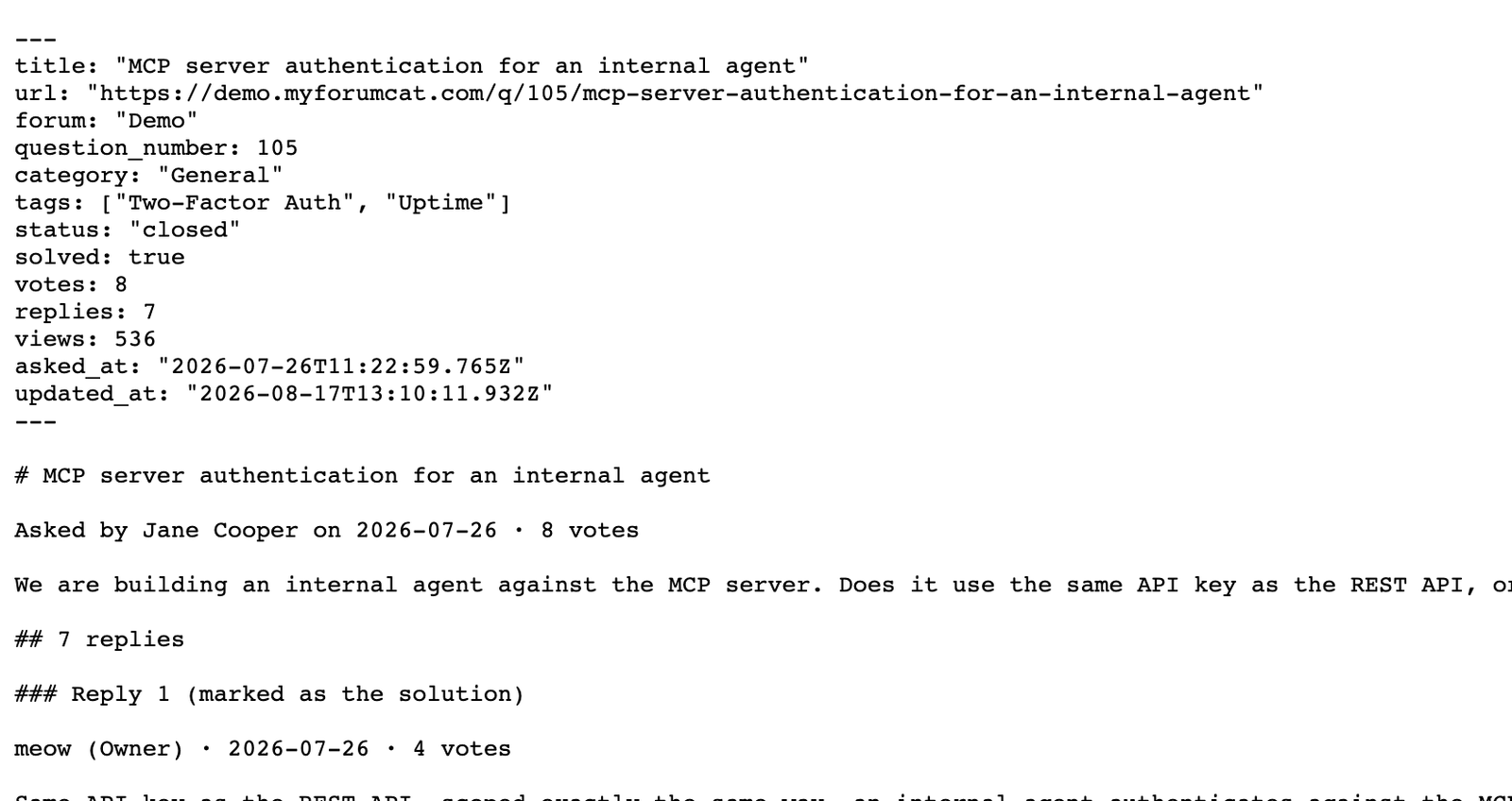
The same thread with the layout stripped out. This is the copy an agent asks for.
Pricing
Free for 7 days. No credit card. After that it is $9 one time on a Forumcat subdomain. Your own domain is $99 a month. The bill does not grow with traffic, questions, or seats.
$9 one-time
Create your portal$99 per month
Start with ProEverything in Basic, plus
Questions people ask before switching
No. There is no article editor, no version history, and no publishing workflow. It holds questions and answers, and it is meant to sit beside a knowledge base rather than replace one.
Not today. There is no importer. Most teams start fresh and let the new questions build the archive, which is live in minutes.
Pick between them on the writing experience, because both are article tools. This goes next to whichever you pick, and holds the questions the articles never covered.
Those are good homes for internal documents. Neither gives customers a public place to ask. If you want a Confluence alternative for the customer-facing half, start with the questions.
Every answered question becomes a fast public page with QAPage structured data, a sitemap entry, and a raw markdown view. That is what search engines and AI engines read.
The same as month one. $9 one time for a portal on a Forumcat subdomain, or $99 a month for your own domain. The bill never grows with traffic or questions.
No. Reading and searching are open to everyone. Signing in is only for asking, replying, and voting, and it is passwordless.

Put your ten most common questions in, answer them once, and send the next customer the link.
Create your portalFree for 7 days. No credit card.