

How fast can we be live?
Answer
About five minutes. Sign in, name your portal, and it is online at yourcompany.myforumcat.com. Nothing to install.
Community help center
Your team answers once, where every customer can read it. Search, categories, tags, and accepted solutions come with it. Live in about five minutes, from $9 one time.
Free for 7 days. No credit card. Live in about five minutes.
How it fills up
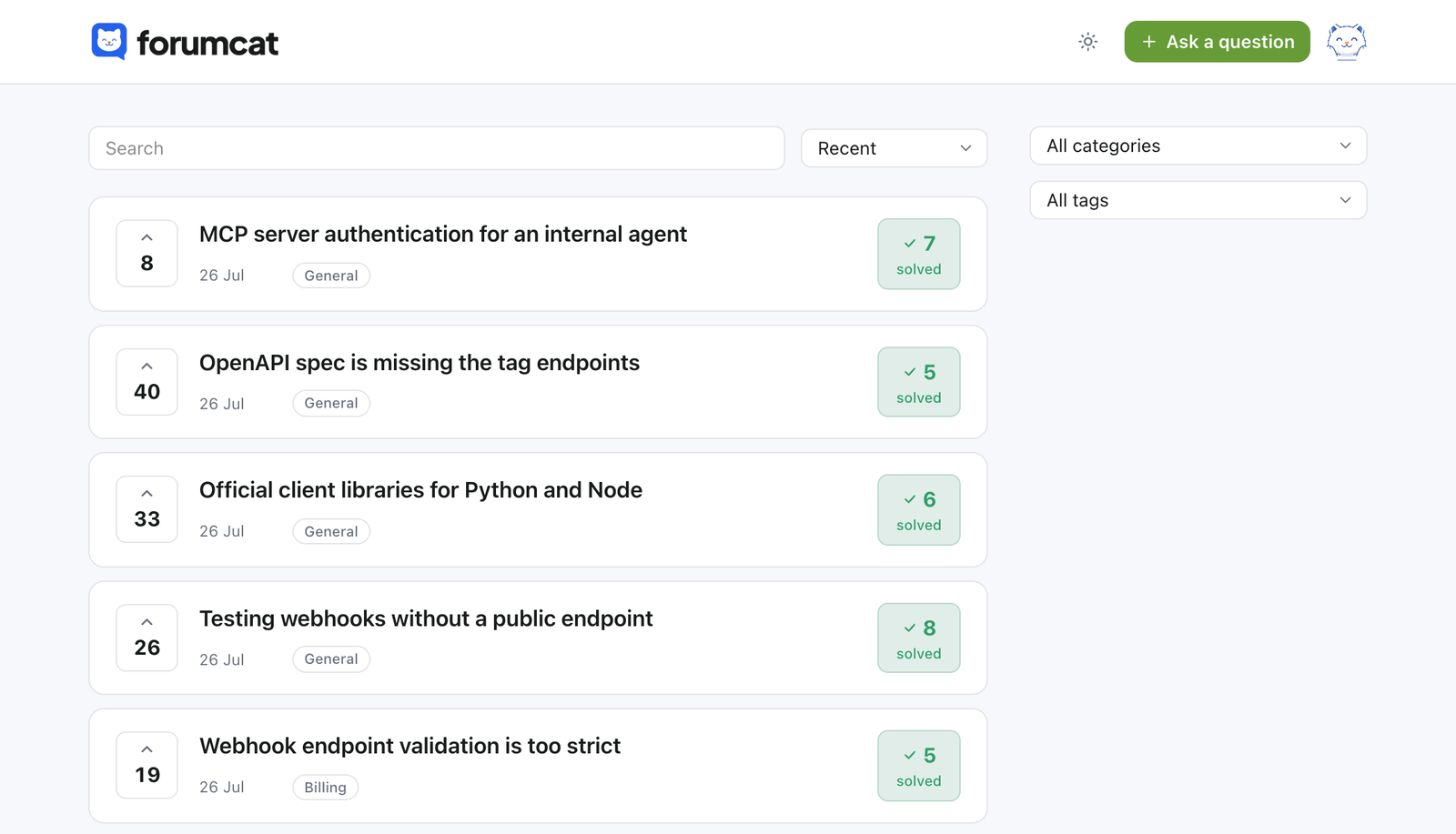
You do not start with a blank page. You start with the question in front of you today.
Search runs over the title and the details of every question, with stemming and ranking. Most people stop right here.
While they type a title, the form suggests questions that may already answer it. Fewer duplicates get posted.
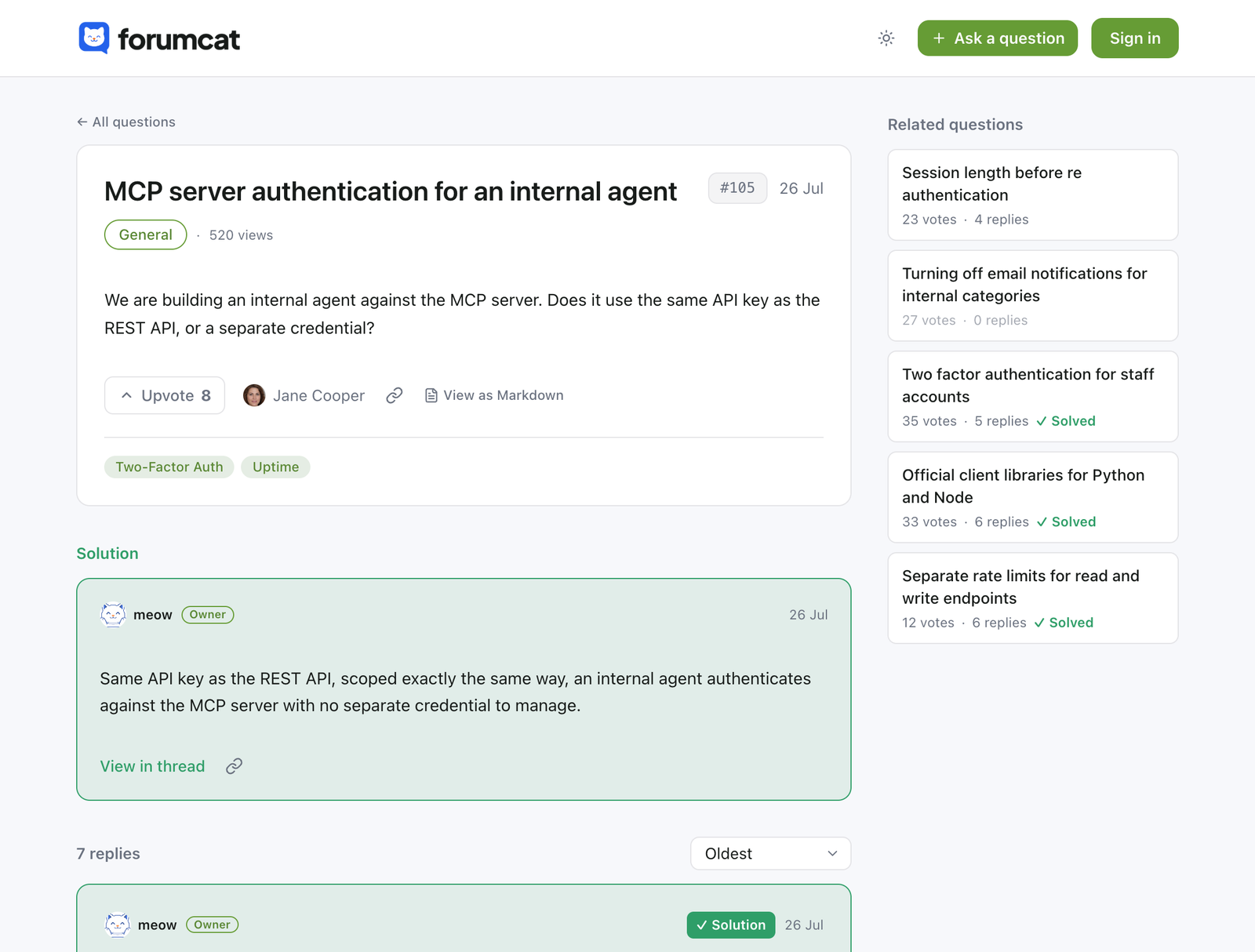
A staff reply shows the role next to the name. The asker or your staff marks the reply that worked.
The solved thread is a fast public page, with a sitemap entry and QAPage structured data.
Search
Every question is searchable, by customers and by Google. Nothing is locked behind a sign-in.
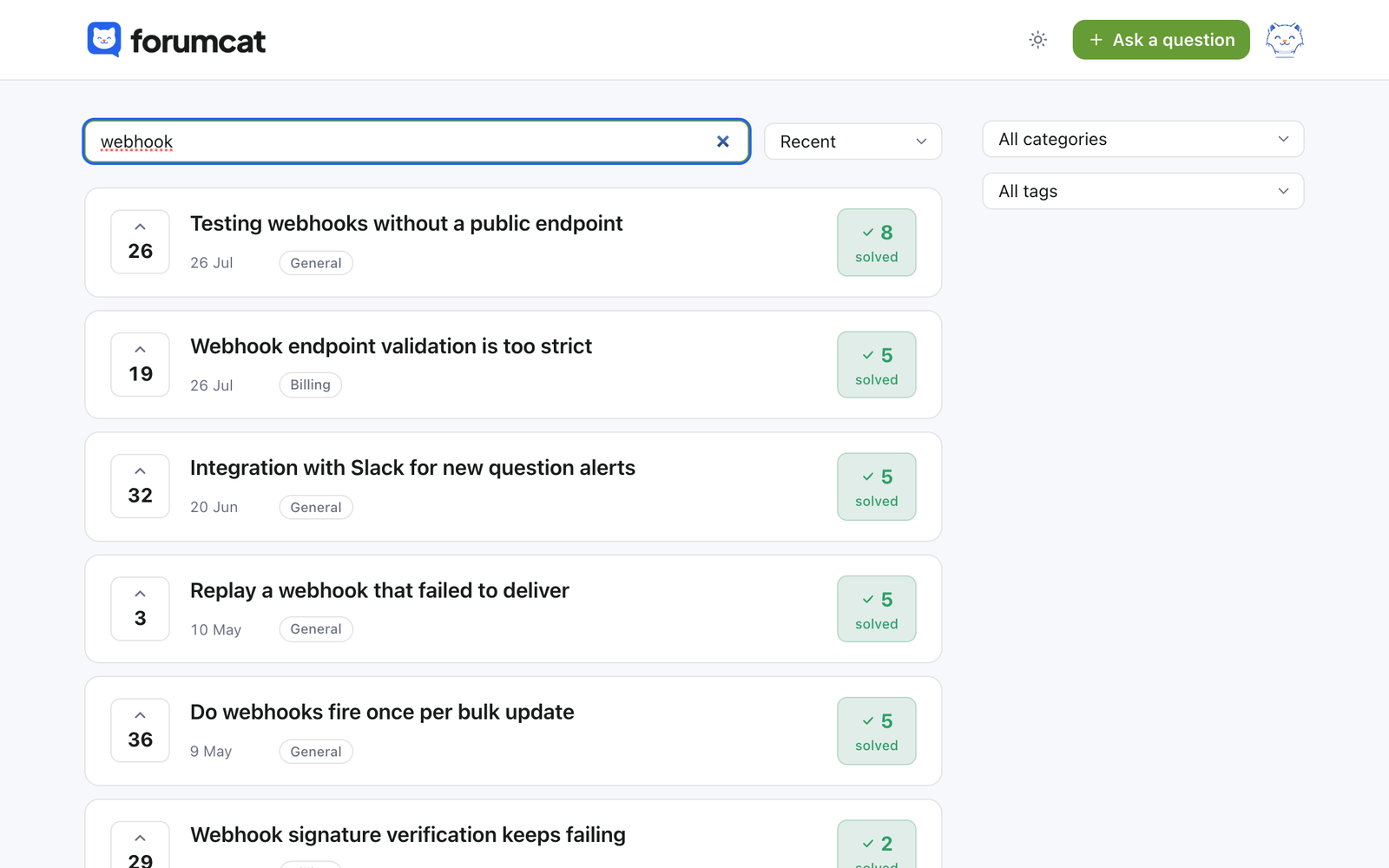
When a search finds nothing, it is written to a log you can read. That log is your list of pages to write next.
Two ways to help
Most teams end up with both. They are made in different ways and they age in different ways.
| A help center article | An answered question here | |
|---|---|---|
| Who writes it | Someone on your team, before anyone asks | A customer asks, your team answers |
| How it starts | A planning list and a blank editor | A real question from a real customer |
| How it stays current | Someone edits it when the product changes | A new question shows the old answer is stale |
| Found by | Your site search and Google | Portal search, categories, tags, votes, and Google |
| Structured data | Whatever your tool adds | QAPage structured data on every answered question |
| Read by AI engines | Whatever your tool exposes | A raw markdown view of every thread |
| Private cases | Rarely part of the model | Private questions and private categories |
| Editor | A full article editor | No article editor. Markdown questions and replies. |
Both are useful. Keep the articles you have and put Forumcat beside them.
There is no article editor. Nobody writes a polished article in this tool. The content is questions, replies, and one accepted solution, written in markdown.
There is no importer. Old help docs and old forum threads stay where they are, and the new questions build the archive from today.
Some teams describe a forum as a knowledge base. This is close to that, with the two limits above. It sits beside the help center you already run, and you link both ways.
The solved thread
The reply that worked moves up under the question and the thread turns to solved. A customer reading it does not have to scroll through a debate to find the answer.
Votes show which questions many customers share. Related questions sit in the sidebar, so one answer leads to the next.
Found by people and by machines
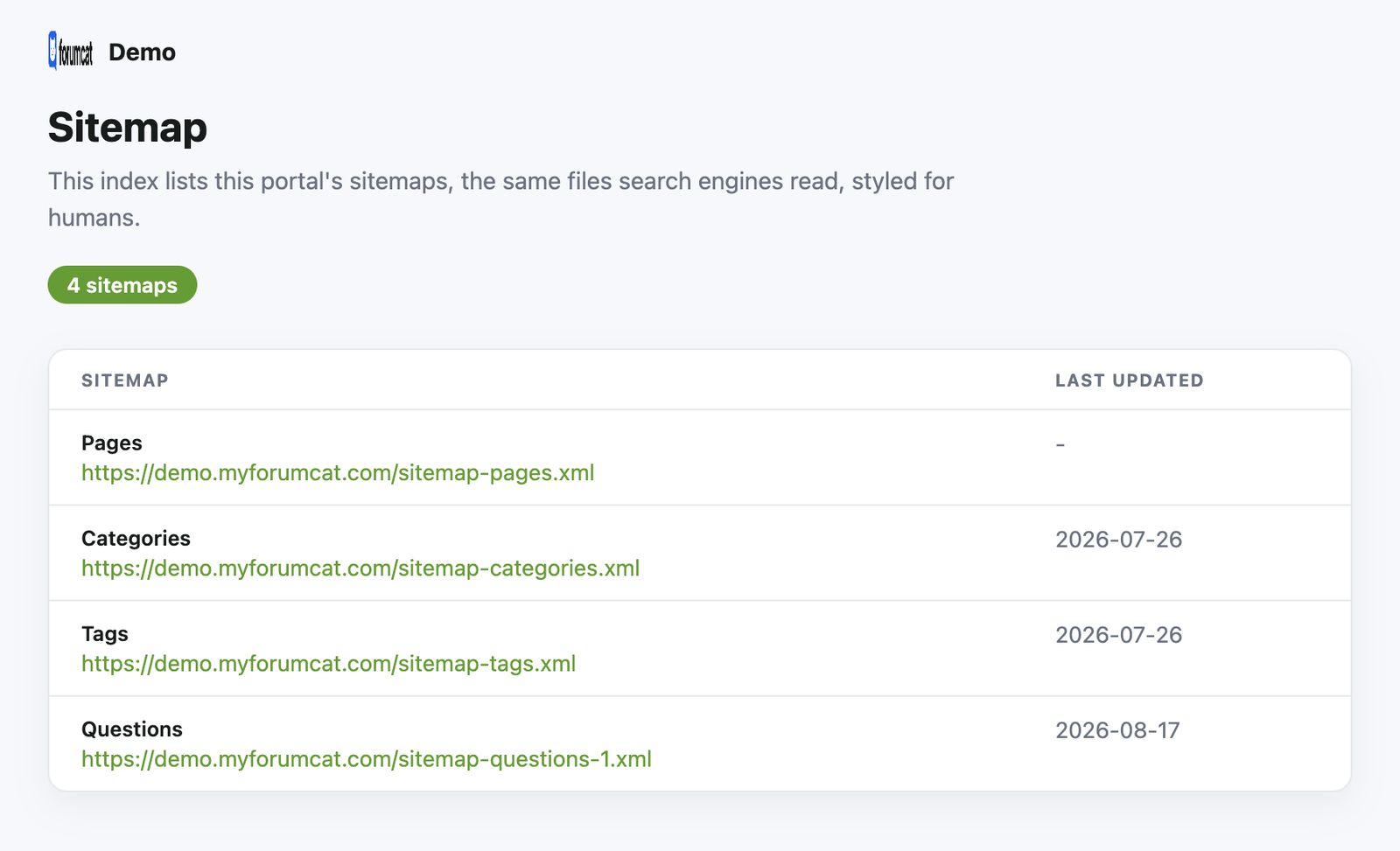
Every portal gets a sitemap, a robots file, and 1200 by 630 preview cards. There is nothing to configure and no plugin to pick.
Every answered question ships QAPage structured data. Every public thread is also served as raw markdown, which is what AI engines and agents read best.
Naming it
Teams search for both phrases and mean the same thing. They have docs, and they need a public place where customers can ask the thing the docs do not cover.
That is this. Some teams call it a customer help center forum. Some call it FAQ forum software, because the FAQ page they hand-wrote never keeps up.
The name matters less than the shape. Real questions, public answers, one accepted solution, and a page for each one.
Pricing
$9 one time for a portal on a Forumcat subdomain, or $99 a month on your own domain. The bill does not move with traffic.
$9 one-time
Create your portal$99 per month
Start with ProEverything in Basic, plus
FAQ
About five minutes. Sign in, name your portal, and it is online at yourcompany.myforumcat.com. Nothing to install.
No. Keep your articles where they are. This is the public place for the questions those articles do not cover yet.
No. Add a few categories, then answer the first real question. The archive grows from the questions you already get by email.
Not today. There is no importer. Most teams start fresh and let the new questions build the archive, which is live in minutes.
No. Reading and searching are open to everyone. Signing in is only for asking, replying, and voting, and it is passwordless.
Only the person who asked it and your team. Whole categories can be private too, so every question posted there starts private.
Every answered question becomes a fast public page with QAPage structured data, a sitemap entry, and a raw markdown view. That is what search engines and AI engines read.

Answer it once, in public, and let the next customer read it instead of writing to you.
Create your portalFree for 7 days. No credit card. Live in about five minutes.