

How fast can we be live?
Answer
About five minutes. Sign in, name your portal, and it is online at yourcompany.myforumcat.com. Nothing to install.
Hosted support forum
Sign in, name it, and your forum is online. No server to rent, no Docker, no update day. $9 one time on a Forumcat subdomain, or $99 a month on your own domain.
Free for 7 days. No credit card. Live in about five minutes.
Setup
How to create a support forum here: sign in, name it, answer the first question. The right column is the work a forum you host yourself asks for instead, and keeps asking for.
| With Forumcat | A forum you host yourself | |
|---|---|---|
| Server | None. We run it. | Rent one, size it, watch it |
| Install | Sign in and name your forum | Docker, a database, a mail sender |
| SSL certificate | Automatic, on your own domain too | Issue it, then renew it |
| Updates | We ship them. You do nothing. | Update day, every release |
| Backups | Part of the hosting, nothing for you to run | Yours to run, and to test |
| Spam and clean-up | Moderation and bulk actions, built in | Pick plugins, then tune them |
| Sign-in | Magic link, 6-digit code, or Google | Set up an auth plugin, then keep it |
| Time to a live address | About five minutes | However long the rows above take |
The right column describes the work any self-hosted forum needs. It is not a claim about one product.
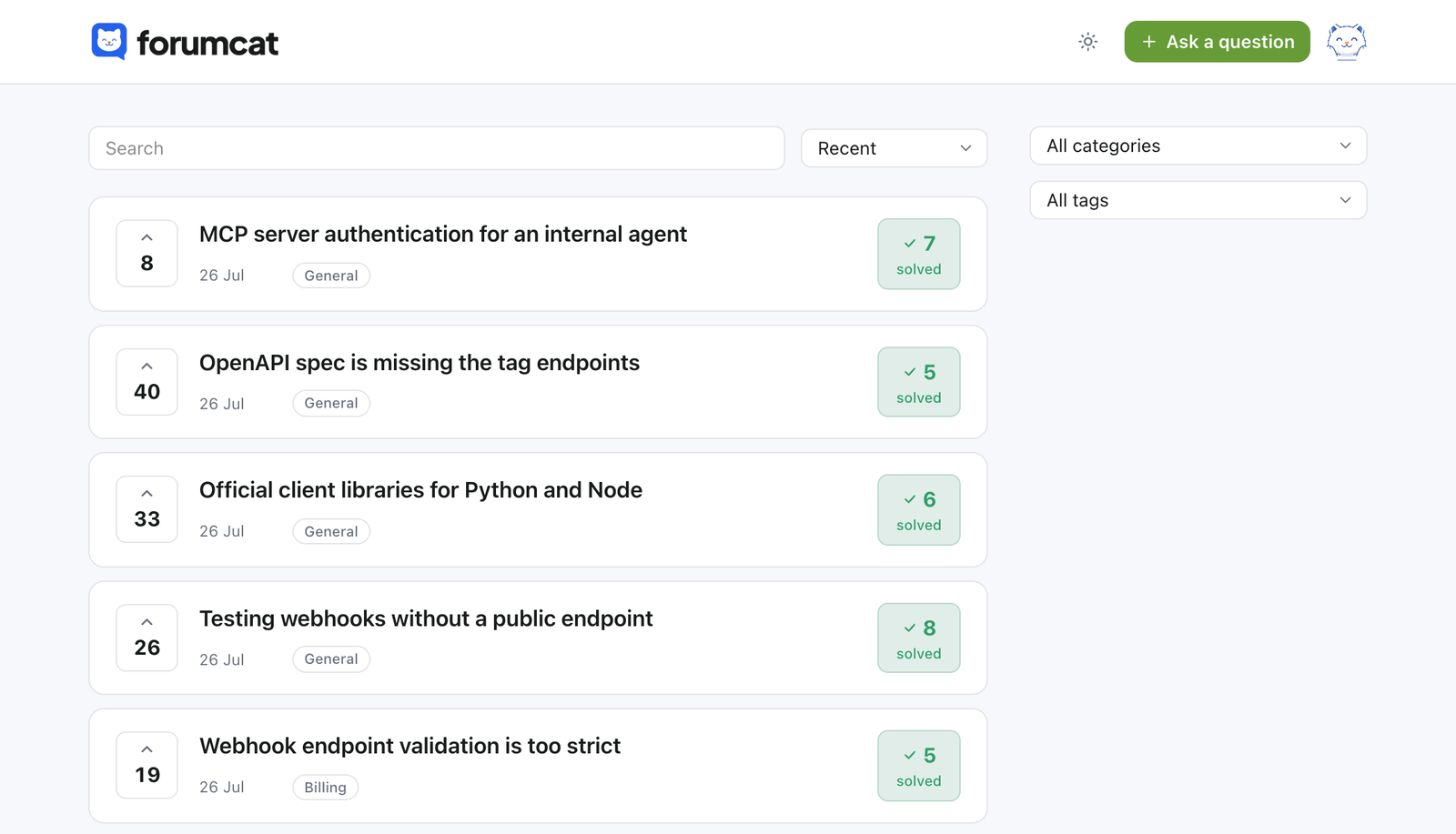
The answer that ends the question
A customer asks. Your team replies. Someone marks the reply that worked.
That answer moves up under the question, and the thread turns to solved. The next customer with the same problem reads it first and stops there.
Your team
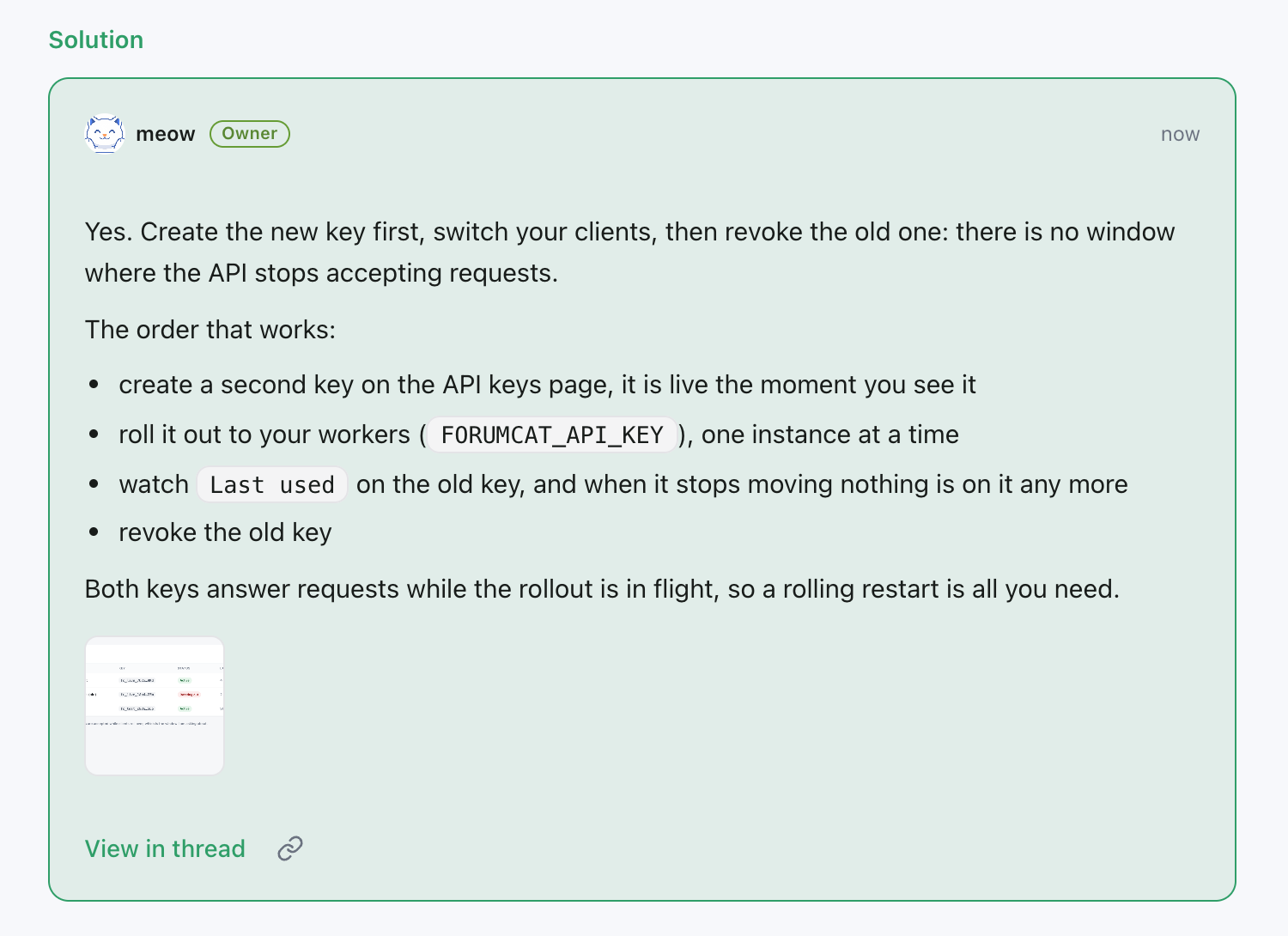
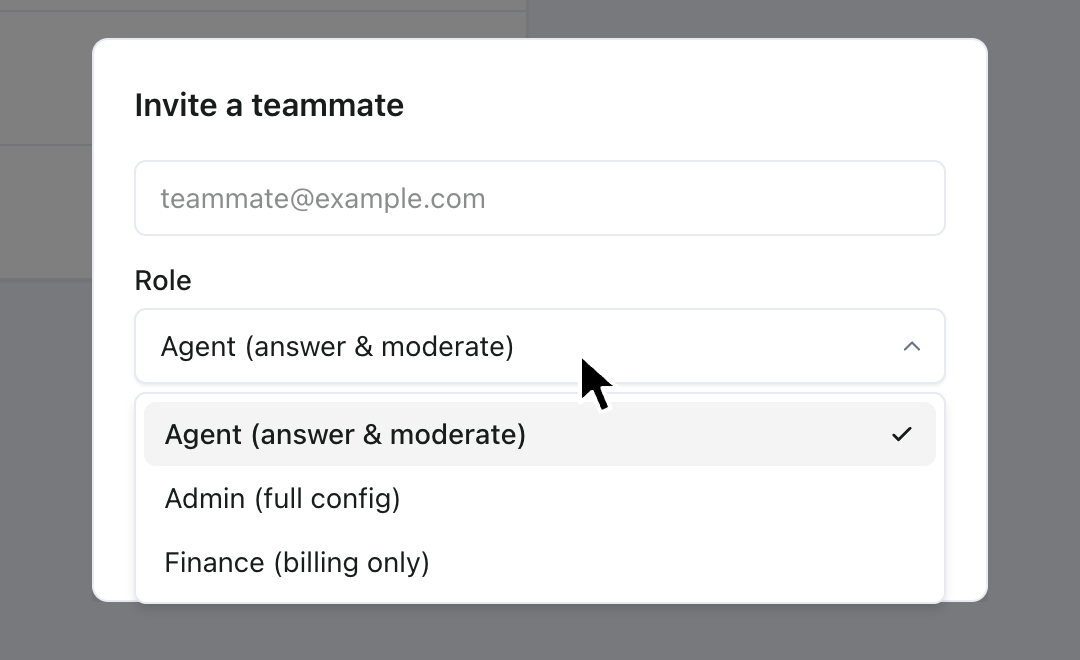
Invite the people who answer, and give each one a role. Owner, admin, agent, finance, and member each get their own access.
The same roles apply on the web, in the REST API, and on the MCP server. Staff replies show the role next to the name, so an official answer looks official.
Basic comes with 2 seats. Pro is unlimited, with a quiet fair-use backstop.
Private questions
Not every question belongs in public. Your staff can make any question private, and a whole category can be private too.
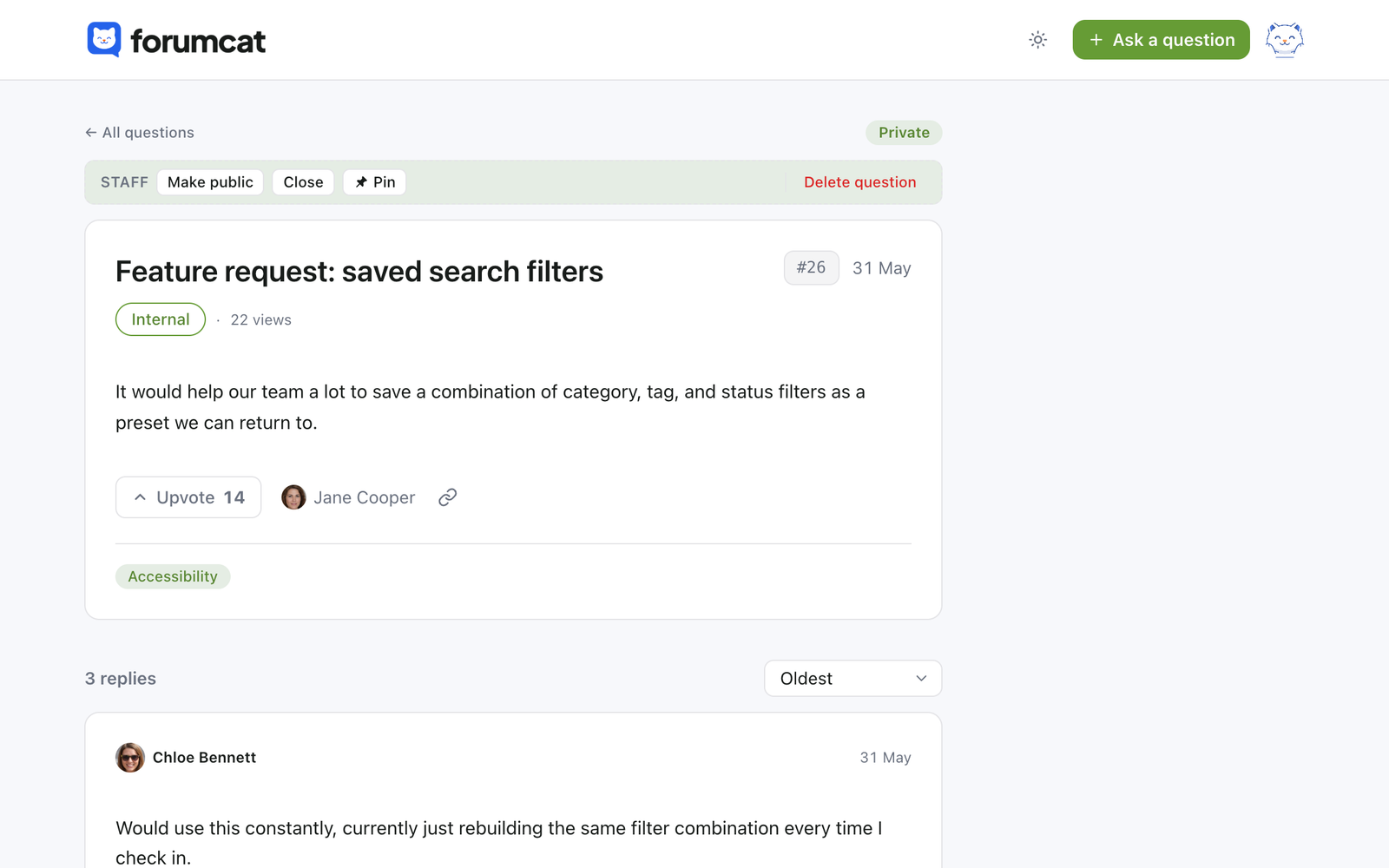
Only the person who asked and your team can open a private thread. Everything else stays public and findable.
Your domain
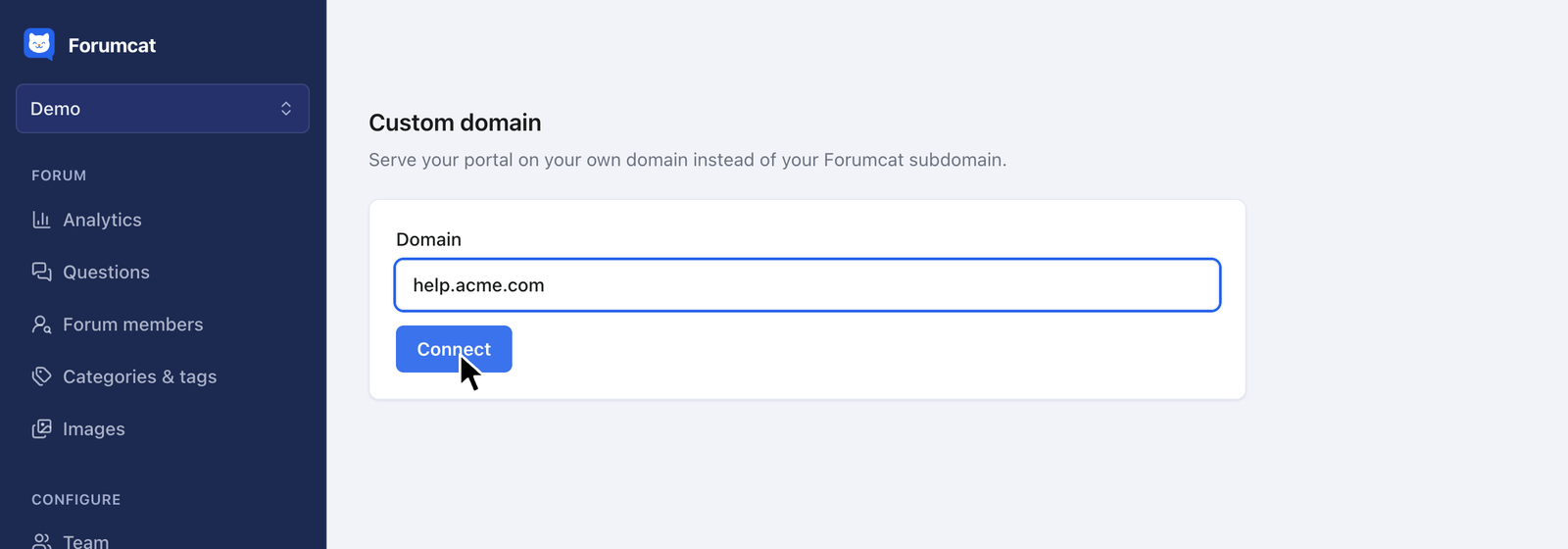
Add one DNS record for something like help.yourcompany.com, and SSL is set up for you. Your own domain is part of Pro.
Your Forumcat subdomain then points at the new address. The ranking you build belongs to your domain, not to ours.
Straight answers
Three honest noes. There is no importer, no embeddable widget, and no answer bot.
Pricing
Traffic is good news here. It is not a bigger bill. Start on a subdomain, move to your own domain later, and keep every answer you have written.
$9 one-time
Create your portal$99 per month
Start with ProEverything in Basic, plus
FAQ
About five minutes. Sign in, name your portal, and it is online at yourcompany.myforumcat.com. Nothing to install.
No. There is no server, no Docker, and no update day. We keep it online, fast, and current.
Yes, on Pro. Point a subdomain like help.yourcompany.com at Forumcat and SSL is set up for you. Your Forumcat subdomain redirects to it.
Not the old threads, because there is no importer. Teams start fresh here and leave the old forum up to read while the new one fills in.
Yes. Invite teammates as owner, admin, agent, or finance. Basic includes 2 seats and Pro is unlimited (fair use). Staff replies show the person's role.
No. The reply stream is flat and in order, with an "in reply to" marker when someone answers one reply. It stays readable for non-technical customers.
They are yours. Every question and answer is readable through the REST API, so you can pull it all out any time.

Want customer support forum examples first? Open the live demo. It is a real portal, running on Forumcat right now.
Create your portalFree for 7 days. No credit card. Live in about five minutes.