

Is this a portal where customers track their open tickets?
Answer
No. There is no ticket queue and no case status here. This is the public place customers read, search, and ask in.
Public support portal
Public pages, real search, and answers your team writes once. It runs on your domain, in your colors, with your logo. $9 one time on a subdomain, or $99 a month on your own domain.
This is the public support portal customers read and search. It is not a ticket portal or a login for open tickets.
Free for 7 days. No credit card. Live in about five minutes.
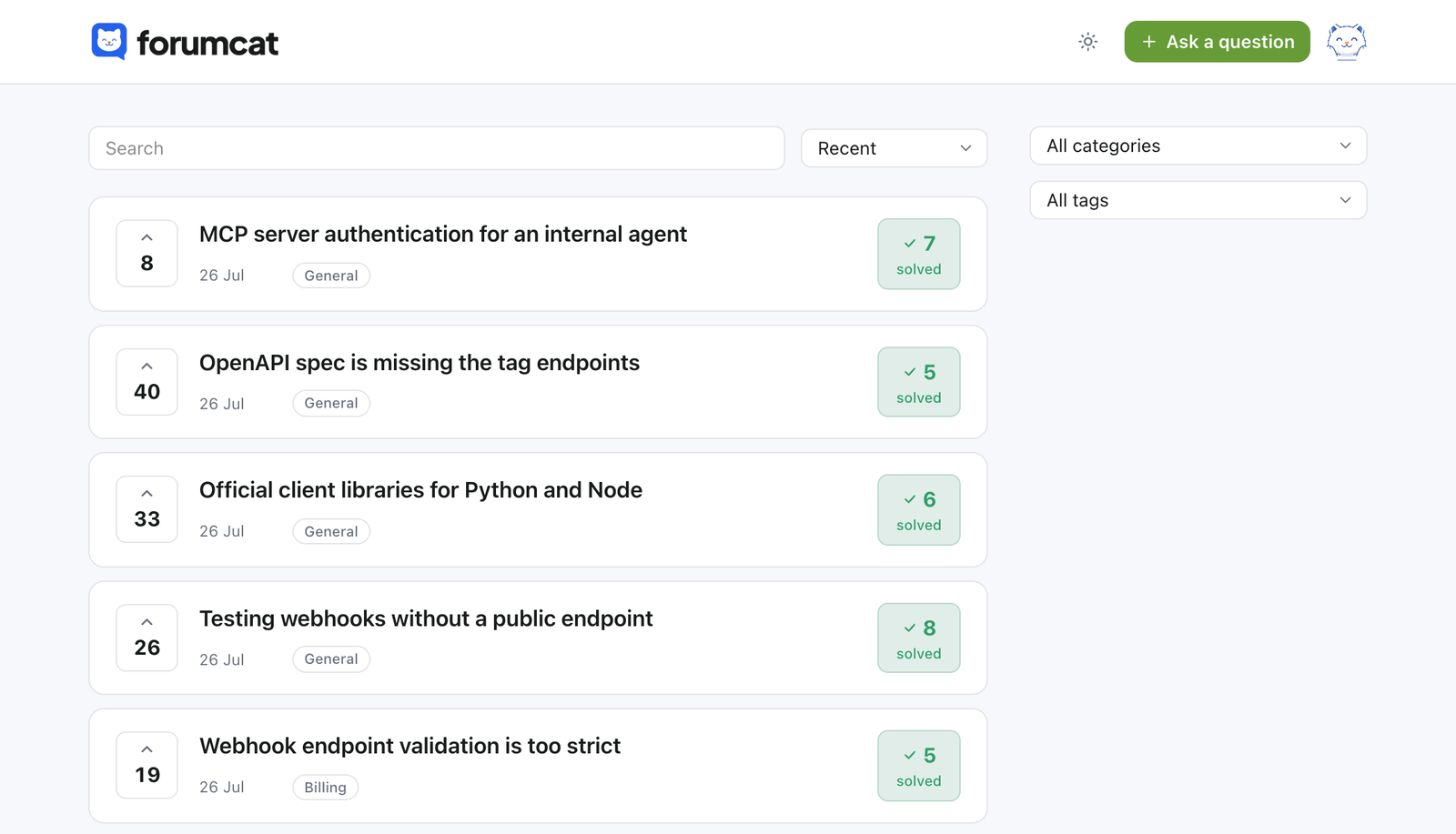
What a self-serve portal needs
Every question and answer is a server-rendered page. Customers read and search with no account at all.
Full-text search over titles and bodies, plus a log of the searches that found nothing.
One category per question and up to 3 tags, from a list your team keeps.
Staff can make any question private. A whole category can be private too.
A magic link, a 6-digit code, or Google. The Google screen shows your company name.
Paste your tracking snippet into the portal head. Our own page-view counts are cookie-free.
Branding
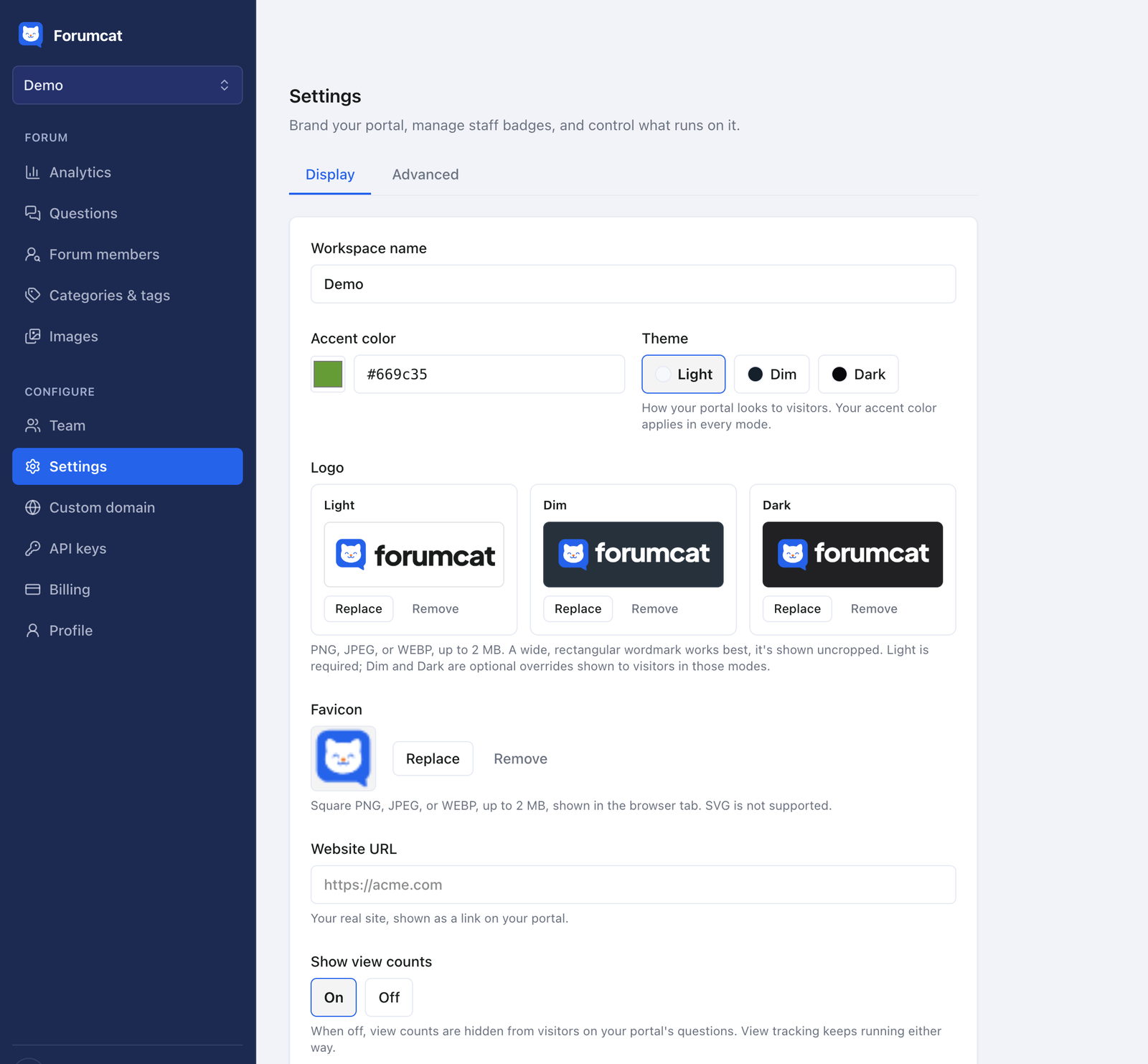
Upload a logo for light, dim and dark. Add a favicon, pick an accent color, and choose the theme. That is the whole exercise.
There is no CSS to write and no template to maintain. The portal looks like part of your site because it carries your marks and your domain.
Google sign-in runs on your own OAuth client, so the consent screen shows your company name. Customers never see ours on the way in.
Themes
Pick the theme that matches your product. The same pages, the same speed, in the look your customers already know. Your logo has a variant for each background, so it stays readable.
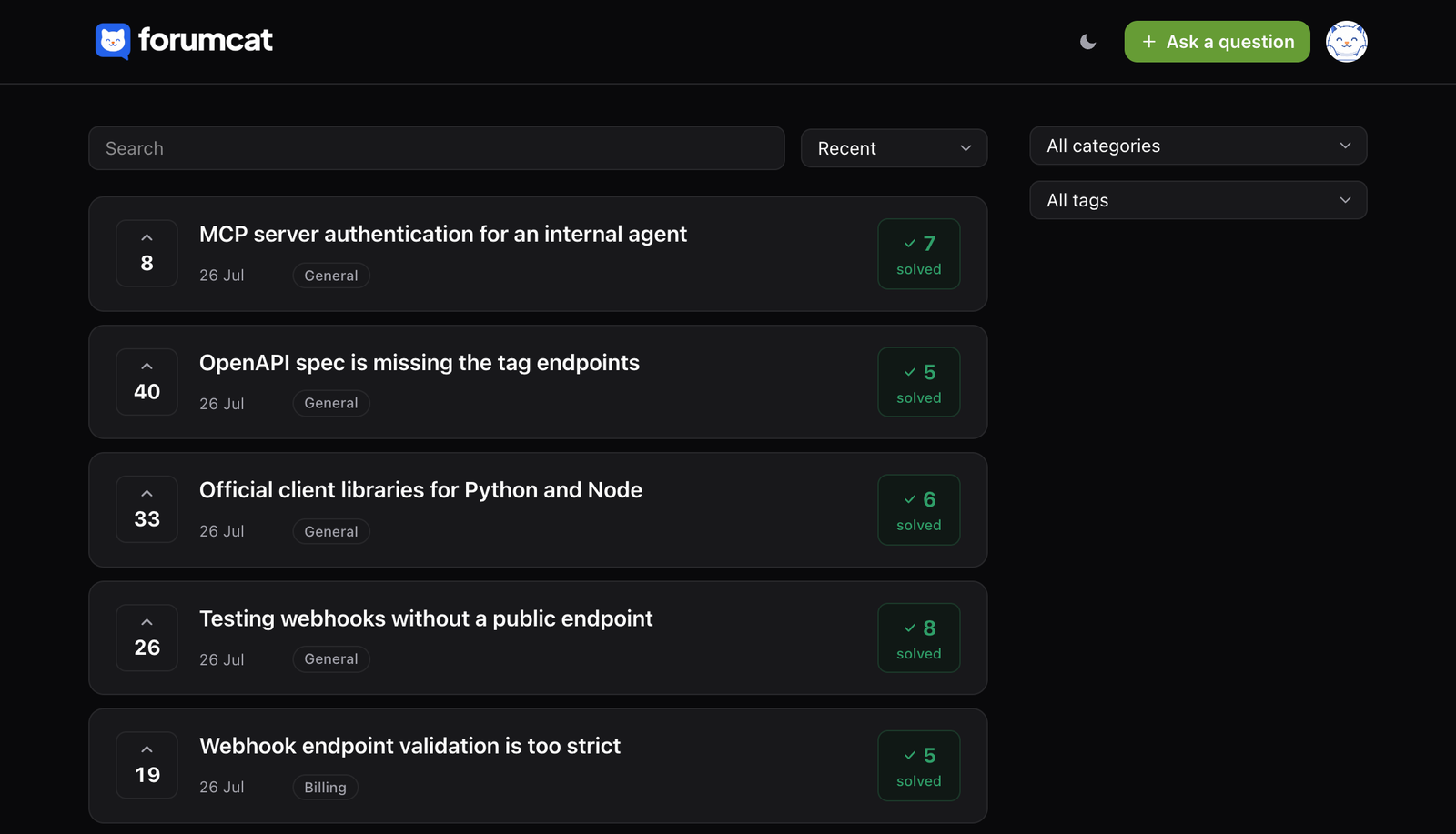
Dark mode is a setting, not a plugin. Nothing in the portal needs a rebuild when you change it.
Your domain
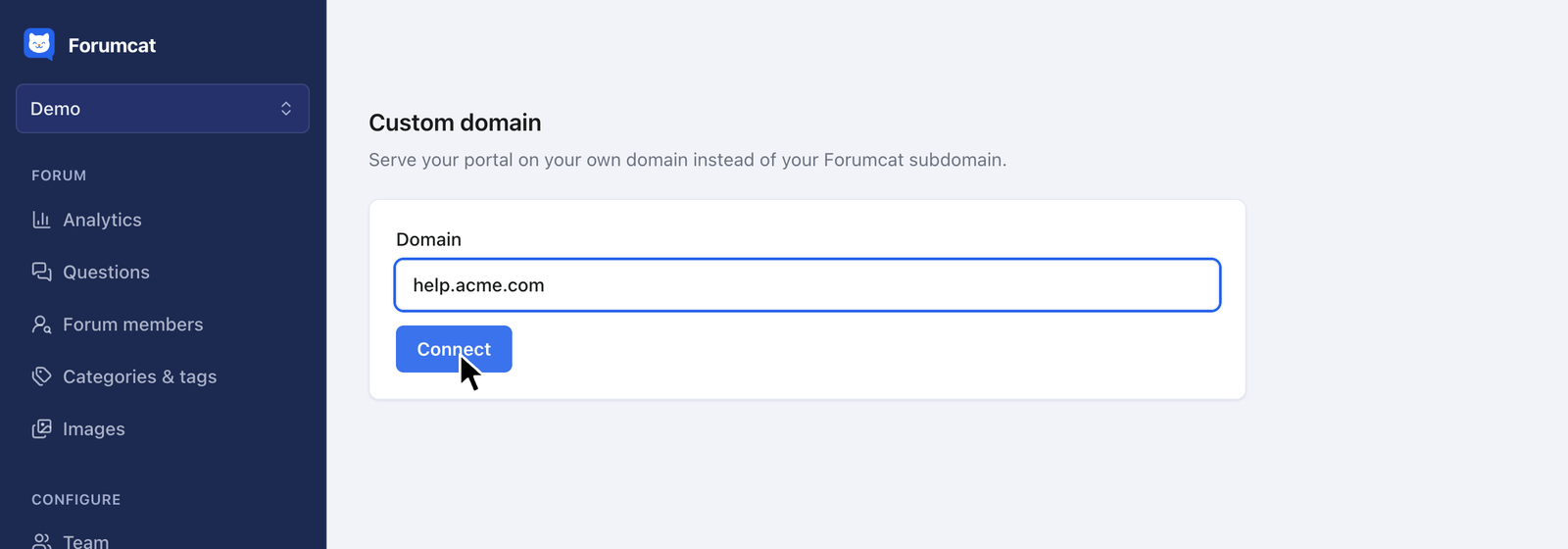
Add one DNS record for an address like help.yourcompany.com. SSL is set up for you, and your Forumcat subdomain redirects to the new address.
The pages you have already published keep their place. Your own domain is part of Pro.
Plans
The branding, the sign-in, and the machine-readable parts are the same on both. The domain and the room to grow are what change.
| Basic | Pro | |
|---|---|---|
| Price | $9 one time | $99 a month, or $990 a year |
| Portal address | yourcompany.myforumcat.com | Your own domain, like help.yourcompany.com |
| SSL | Included | Included, set up for you |
| Redirects | Subdomain only | Your subdomain points at your own domain |
| Logo, favicon, accent color | ||
| Light, Dim, Dark theme | ||
| Custom scripts for your analytics | ||
| Google sign-in under your brand | ||
| Sitemap and preview cards, generated for you | ||
| QAPage structured data and markdown view | ||
| REST API and MCP server | ||
| Team seats | 2 | Unlimited |
Unlimited seats and questions on Pro carry a quiet fair-use backstop, lifted for any real portal that reaches it. Page views are fair-use limits, not a meter. A small Forumcat badge sits on every portal, on both plans.
On a phone
The pages are light and server-rendered, so they open quickly on a slow connection. Search, categories, and the ask form all work at phone width.
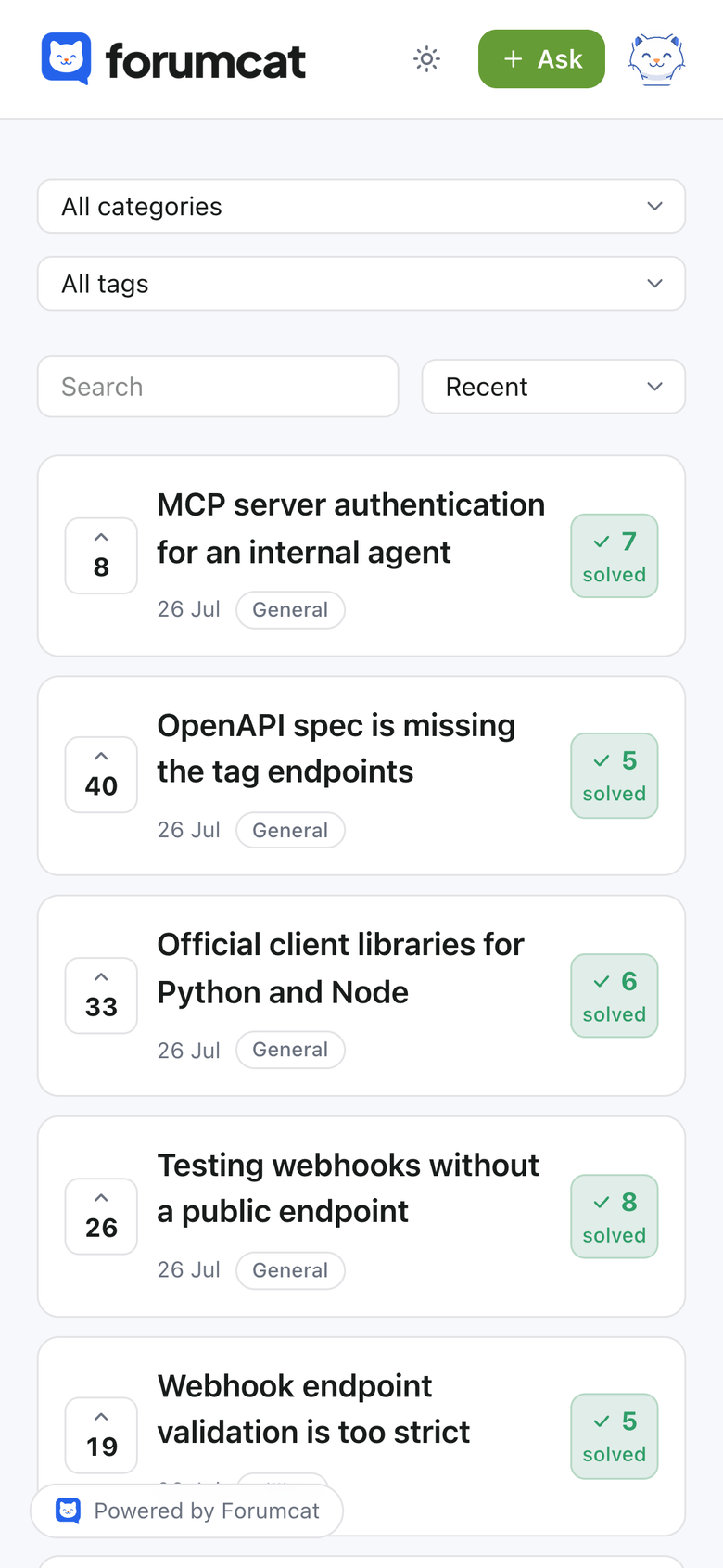
No app to install, and no sign-in wall between a customer and the answer.
Where it sits
Keep your help desk for the one-to-one work. Tickets, email, and chat do not move. Nothing here is a queue, an inbox, or an SLA.
This is the public half. The questions many customers share get answered once, in the open, where the next person can find them.
Some teams call it a support portal with community, or a customer support portal for SaaS. The community part is simply your customers, answering each other when they know the answer.
Pricing
No per-seat pricing, no per-view metering, and no quote to chase.
$9 one-time
Create your portal$99 per month
Start with ProEverything in Basic, plus
FAQ
No. There is no ticket queue and no case status here. This is the public place customers read, search, and ask in.
Yes, on Pro. Point a subdomain like help.yourcompany.com at Forumcat and SSL is set up for you. Your Forumcat subdomain redirects to it.
No. Reading and searching are open to everyone. Signing in is only for asking, replying, and voting, and it is passwordless.
No. They sign in with a magic link, a 6-digit email code, or Google. The Google screen shows your company name, not ours.
Yes. Paste your tracking snippet into the portal head from the dashboard, on either plan. Page views and searches are also counted for you, without cookies.
No. The portal is a hosted site on your subdomain or your own domain. You link to it from your site, your app, and your support replies.
The same as month one. $9 one time for a portal on a Forumcat subdomain, or $99 a month for your own domain. The bill never grows with traffic or questions.

Start on a Forumcat subdomain, move to your domain when you are ready, and keep every answer you wrote.
Create your portalFree for 7 days. No credit card. Live in about five minutes.