
How fast can we be live?
Answer
About five minutes. Sign in, name your portal, and it is online at yourcompany.myforumcat.com. Nothing to install.
Help center software
Questions arrive faster than anyone can edit a page. Here they land in one public place, get answered once, and turn into pages people and search engines can read. $9 one time to start.
This is a hosted help center built from real customer questions. There is no article editor here, so it is not a knowledge base tool.
Free for 7 days. No credit card. Live in about five minutes.
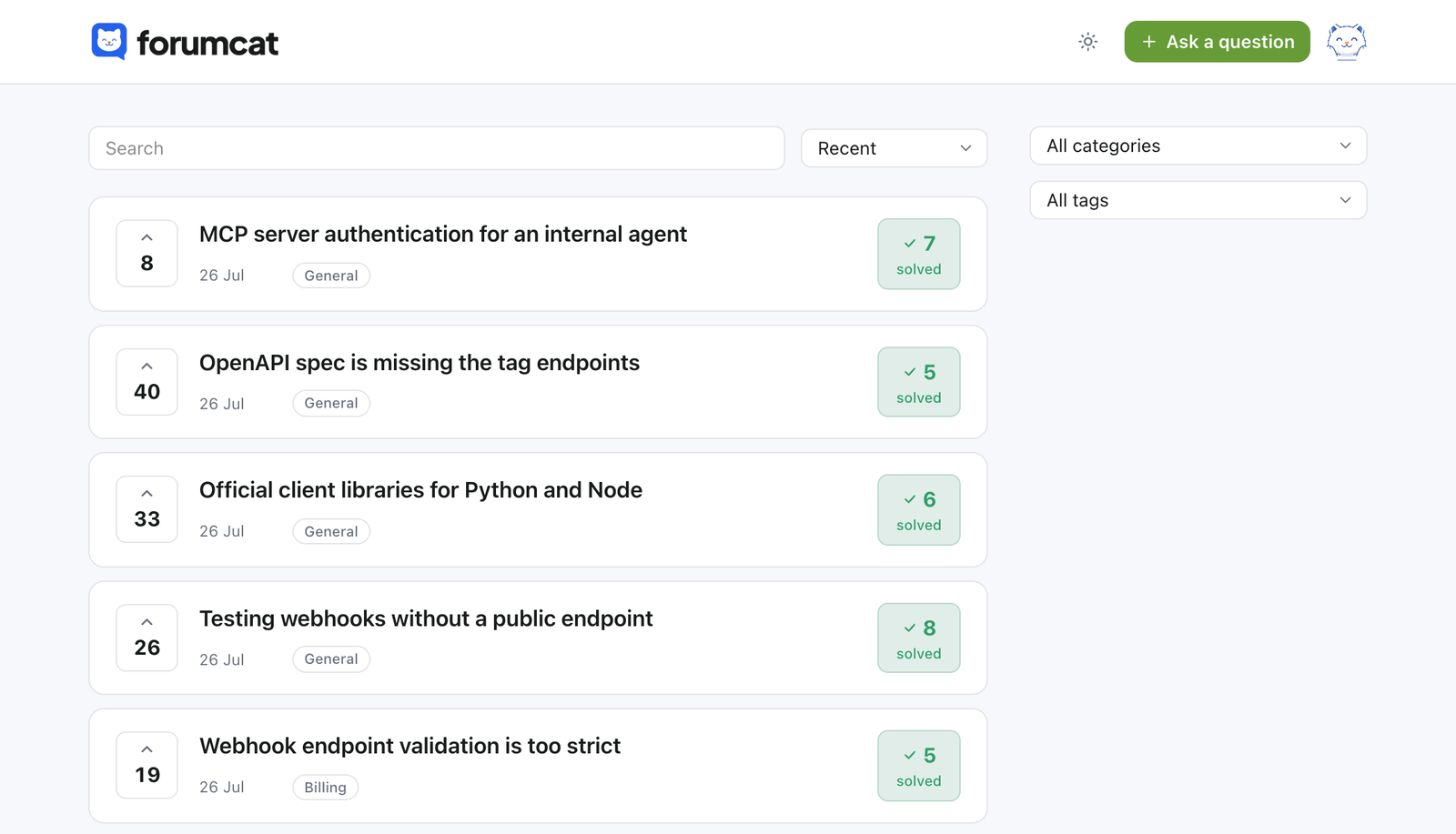
The usual path
Almost every team starts the same way. Here is the shape of it, and where it stops working.
A public FAQ page on the website. Ten questions, ten answers, and it covers most of what people ask.
New questions arrive from email and chat. The page grows to forty rows, and customers stop scrolling before they reach the one they need.
Every change needs someone with access to the site. The answer already exists in a support reply, but it never makes it onto the page.
Move it to a place where a customer can ask. Your team answers once, in public. The answer becomes its own page. That is the help center.
Why customers do not read the help center
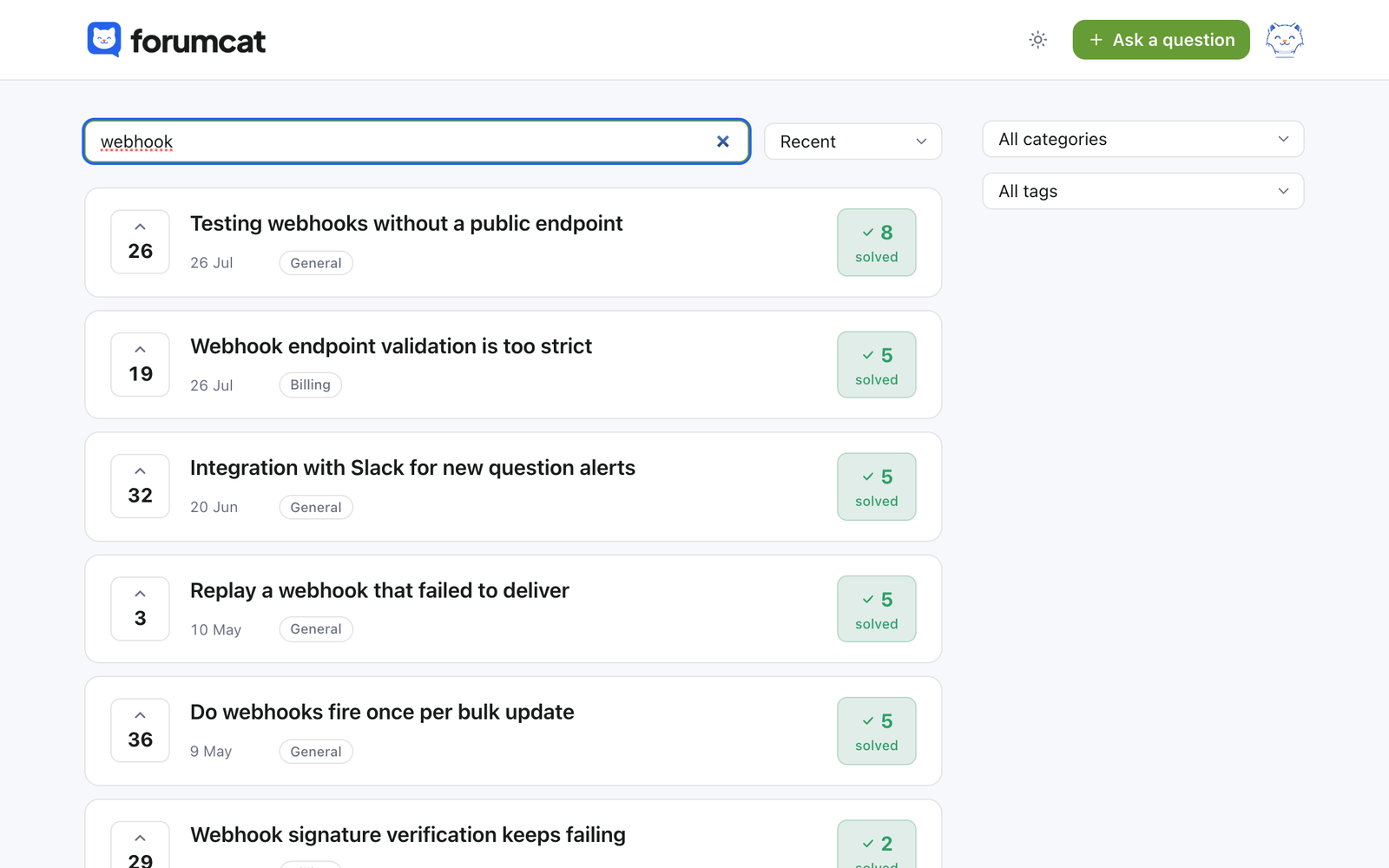
A long public FAQ page asks a person to read it. Most people will not. They type three words and expect the answer.
Search here runs over the title and the details of every question. Threads that already have an answer carry a solved badge. When a search finds nothing, it is logged for your team. The gap in your help center gets a name.
One answered question
The accepted answer sits pinned under the question, and the thread turns to solved. That page is what a customer lands on from a search, and what your team pastes into a reply.
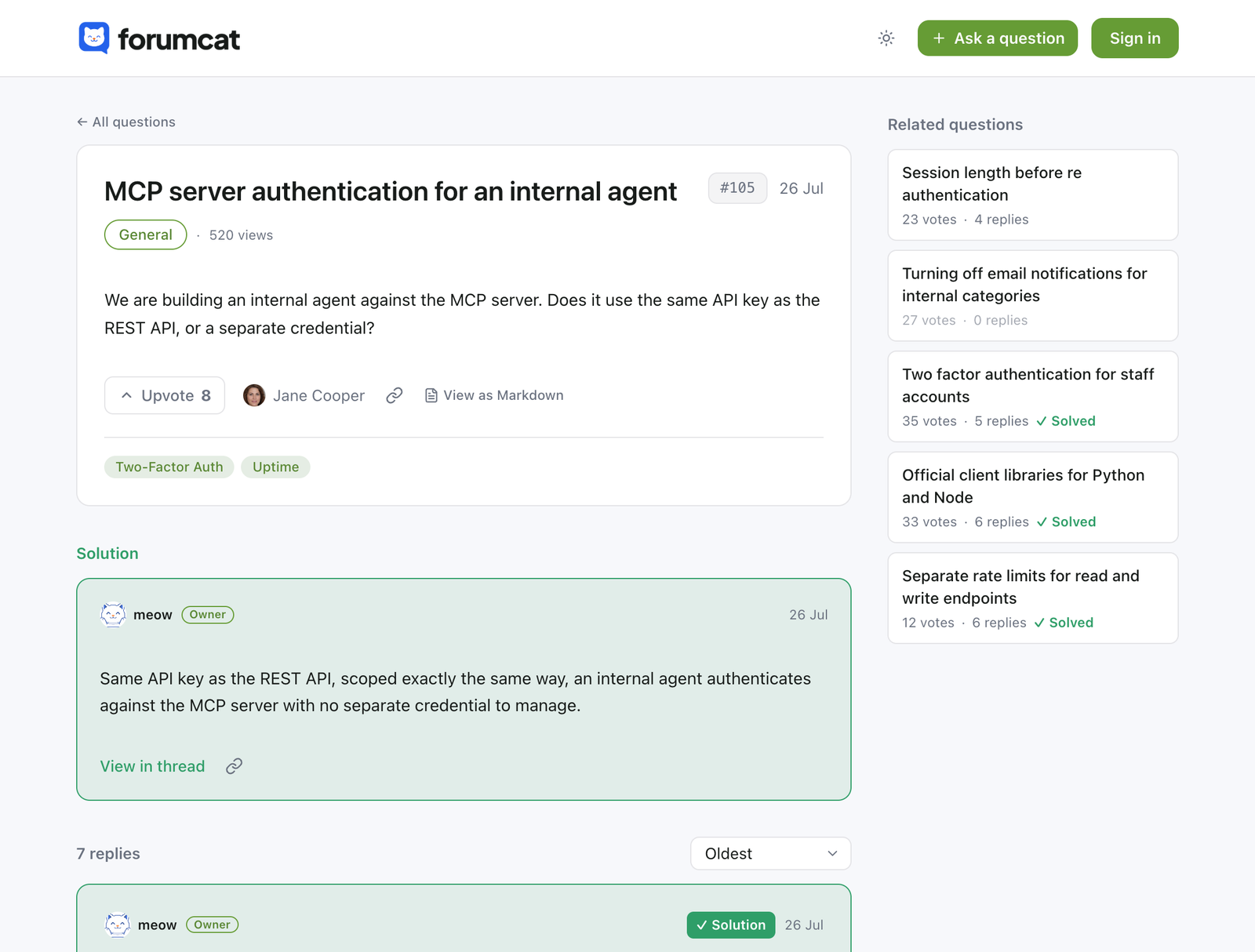
The next customer with the same problem reads this and stops there.
Help center vs FAQ
Both are public. The difference is who writes them, and what happens on the day nobody has time to edit the site.
| A static FAQ page | A help center on Forumcat | |
|---|---|---|
| Who writes it | Whoever can edit the website | Customers ask, your support team answers |
| How it stays current | Someone remembers to update it | Every new answer is already published |
| Search | The reader scrolls, or uses the browser | Full search over every question |
| Structured data | You add it by hand, if at all | QAPage data on every answered question |
| Private cases | Nowhere to put them | Private questions and private categories |
| Preview cards and sitemap | Yours to build | Generated for every page |
| Cost | Developer time, every edit | $9 one time, or $99 a month on your own domain |
Both columns describe public pages. Neither is a ticket queue, and this is not a replacement for the help desk your team already runs.
FAQ schema, in plain words
FAQ schema is a small block of hidden text on a page. It tells a search engine which part is the question and which part is the answer. The answer can then be shown on its own.
Every answered question here ships QAPage data, the question-and-answer version of that markup. List pages carry site, company, and breadcrumb data. There is nothing to install and nothing to paste in.
Every public thread is also served as a plain markdown document. That is what AI engines and agents read when they want the whole answer.
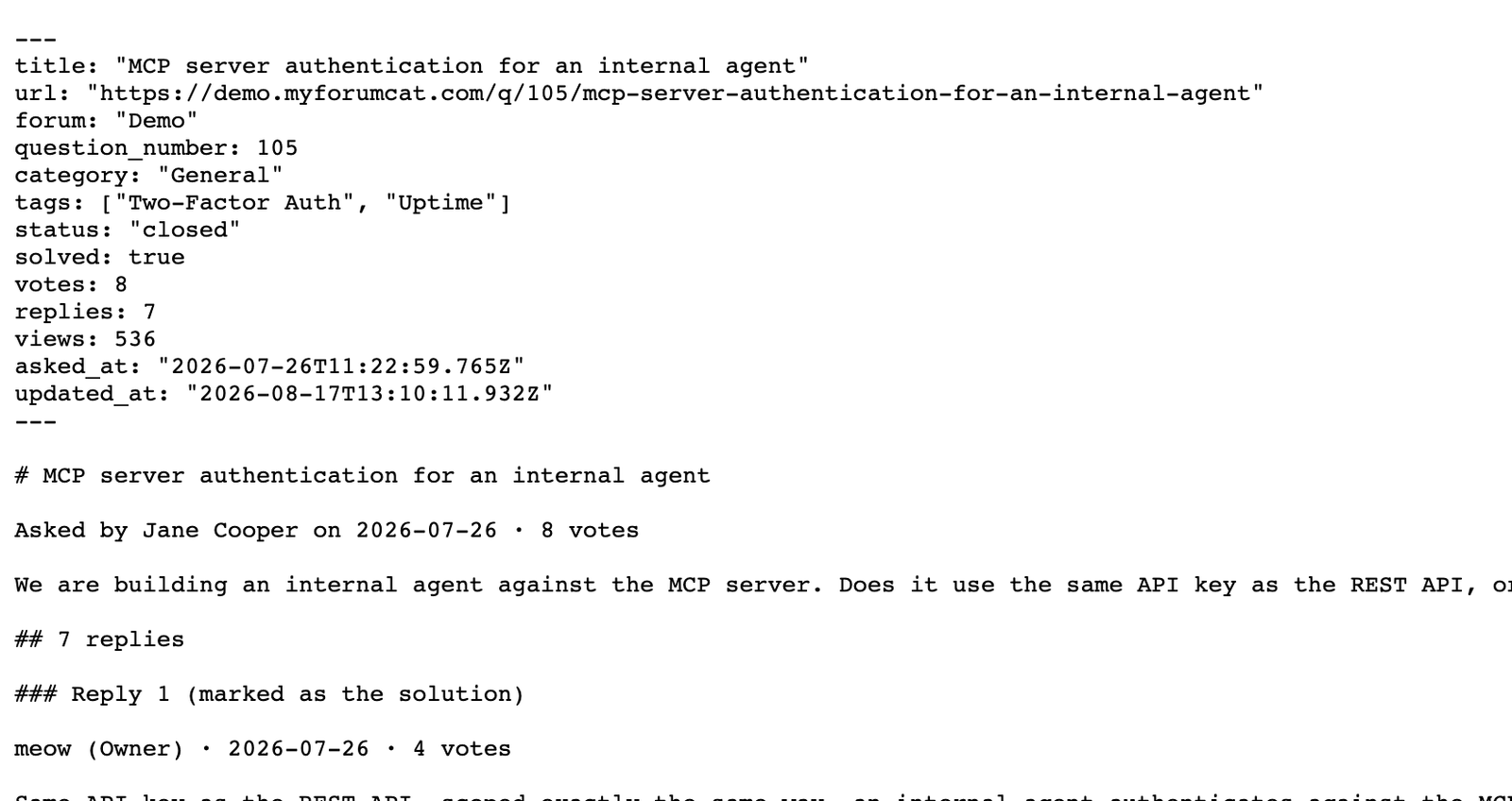
Shared links
Every public page gets a preview card in your brand, sized for chat apps and social posts. Your team pastes a link into a reply and it arrives looking like part of your site.
Generated for you, in your logo and accent color.
A real example
The live demo is a working portal, not a picture of one. Search it, open a solved thread, read the accepted answer, and look at the URL.
That is what your help center looks like on day one. It runs on a Forumcat subdomain or on your own domain, in your logo and your accent color.
Plenty of people search for an FAQ widget to drop into their site. We do not have one, and we would rather say so here than after you sign up.
The hosted page is the answer. Your help center lives at its own address. You link to it from your site, your app, and your support replies. Every question on it can be found and shared on its own.
Pricing
Not per user. Not per question. Grow all you want, your bill stays the same. More traffic is good news, not a bigger bill.
$9 one-time
Create your portal$99 per month
Start with ProEverything in Basic, plus
FAQ
About five minutes. Sign in, name your portal, and it is online at yourcompany.myforumcat.com. Nothing to install.
It is hidden markup that tells search engines which text is a question and which is the answer. You never add it here. Every answered question ships QAPage data on its own.
No. The help center is a hosted site on your subdomain or your own domain. You link to it from your site and your replies.
Yes, on Pro. Point a subdomain like help.yourcompany.com at Forumcat and SSL is set up for you. Your Forumcat subdomain redirects to it.
No. Reading and searching are open to everyone. Signing in is only for asking, replying, and voting, and it is passwordless.
Not today. There is no importer. Most teams start fresh and let the new questions build the archive, which is live in minutes.
Every answered question becomes a fast public page with QAPage structured data, a sitemap entry, and a raw markdown view. That is what search engines and AI engines read.

Bring the ten questions you already answer every week. Your help center can be online this afternoon.
Create your portalFree for 7 days. No credit card.