Self-host your customer forum if you already run servers and you want full control. You also have to accept that the forum becomes a small ongoing job. Choose a hosted forum if you want the forum without that job. Customers still ask in public. Your team still answers. The software you pick matters less than who will spend an evening on each upgrade.
Self-hosting means you rent a server, install the forum software, and keep it running. A server is a computer on the internet that stays on. Hosted means a company runs that software for you. You pay them. You do not touch the machine.
What self-hosting gives you
You hold the data. The posts, accounts, and files live on a server you control. You can read the code. You can change it. You can keep running it after a vendor would have shut a plan down.
There is no monthly software bill for the forum itself. Open-source forum software is code you can run without paying the authors. You still pay for the server. You still pay in time. You do not pay a company for permission to keep using the product.
No vendor sets your features or your price. A vendor is the company that would sell you a hosted product. They can raise prices. They can drop a feature. They can close a plan. On a server you run, those decisions stay with you.
You can modify anything. If the stock software lacks a sign-in method you need, you can add it, or pay someone to add it. If an old add-on matters to you, you can keep it running. That freedom is real. It is also work.
For some teams this is the right call. If you already run servers, and someone on the team likes that work, self-host. Some companies must keep customer data in a country they choose, or on hardware they name in a contract. Self-hosting is a direct way to meet that. You get a forum that matches how you already operate. You do not wait for a host to add a feature.
What self-hosting costs besides the server
The server bill is the line people remember. The rest of the cost is a short list of jobs that never finish.
Updates arrive on the software's schedule, not yours. Security patches are updates that close holes in the code. Those need to go on too. You take backups, and you test them. A backup is a copy of the posts and accounts. A restore is using that copy to bring the forum back. You only know a backup works after you restore one.
The forum has to send email, so sign-in links and notices actually arrive. That is mail delivery, and it breaks in dull ways. A changed DNS record, a blocked sender, a full mail queue. DNS is the system that points a name at a server. Someone has to notice, and then fix it.
Disk space and the database need care as well. The database is where posts are stored. Disk is the space those files use. Both fill up. Someone has to notice before the forum stops writing new posts.
Each of those jobs is small on a quiet week. Together they stay on the list every month, for as long as the forum is up. A failed upgrade can take an evening. A mail problem can take a morning. The costs are small on their own. They are steady, and they do not stop.
Four questions that decide it
Walk through these with the people who would do the work. Write the answers down. Do this before you compare features.
Who already runs servers and enjoys it
Name the person. If nobody on the team already runs servers, do not start with a customer forum as the first machine. The learning curve is real, and customers will feel the mistakes.
If someone already does this work, and they enjoy it, self-hosting fits. Enjoying it matters. A person who dreads update day will put it off. If patches wait, holes in the software stay open.
What happens when that person is away
The forum still needs care when that person is on holiday, or ill, or leaving. Name a second person who can apply an update and restore a backup. If you cannot name one, write the steps so someone else can follow them.
A customer forum that only one person can revive is a risk. That gap shows up when the person is gone and a patch is due.
Whether customer data on your server is a comfort
Some teams sleep better when customer data sits on a server they run. That is a fair reason to self-host. Comfort means you also accept the duties that come with it.
Those duties include backups, uptime, and data requests. Uptime is the time the site is reachable. If the server is down, customers cannot read answers. GDPR is a European data-protection law. It lets a person ask you for a copy of their data, or ask you to delete it. On your server, those requests are yours to fill.
If that list feels like a load, it is a load. Hosted does not remove your legal duties. It does move the server, the backups, and the uptime onto someone whose job is that work.
What an hour of your team's time costs
Write down what one hour of that person's time costs your company. Use salary plus the usual extras, or a number your finance person already uses.
Say that person spends two hours in a quiet month on updates, backups, and mail. Two hours times that rate is your quiet-month cost. Add a buffer for a month when an upgrade fails. Compare the total to a hosting bill for the same month.
If the time cost is lower, and the person is staying, self-host. If the time cost is higher, or that time is better spent on the product, pay for hosting. Do the sum with your numbers. Do not guess from a price page alone.
If you decide to self-host
Pick boring, well-documented software. Boring here means it has been around a while, other companies run it, and the docs tell you how to install, back up, and upgrade. Skip software that is new and still changing fast. Customer answers need a tool that will still be there next year.
Start by comparing open-source forum software. Choose one that matches a support forum, not a wide public community, unless a wide public community is what you actually want.
Automate backups on day one. Then restore one backup onto a spare server, or a spare folder, and prove you can read the posts. Until you restore a backup, you do not know that it works.
Put the upgrade day in the calendar. Pick a quiet window. Read the release notes before you start. Have the last working backup next to you. Do not wait for a scare to learn the steps.
If you decide to go hosted
A hosted forum is a company running the software so you do not have to. You still need to check a few things before you pick a vendor.
Ask how you get your data out. You want a way to export every question and every answer. Ask whether that export is complete. Ask how long they keep a copy if you leave.
Ask what uptime they state. Uptime here is the share of time they say the site will be reachable. A number on a page is a claim. Read what they offer if they miss it.
Ask what happens to your domain and your links if you leave. A custom domain is your own web address, like help.yourcompany.com. You want to keep that address. You also want old links to keep working, or a clear redirect, so search results do not die with the contract.
If you want that trade written out in one place, there is a page on hosted forums. Use it as a checklist, then judge any vendor against the same three questions.
If you want a forum without a server to keep
Forumcat is a hosted customer Q&A portal on your own domain or a subdomain. A Q&A portal is a public site where customers ask questions and your team answers. It is live in about five minutes, with nothing to install. A portal on a Forumcat subdomain (a web address like yourcompany.myforumcat.com) is $9 one time, with a 7-day trial and no card. It is for customer product questions. It is not a general discussion platform. The same offer is on the page for a hosted support forum.
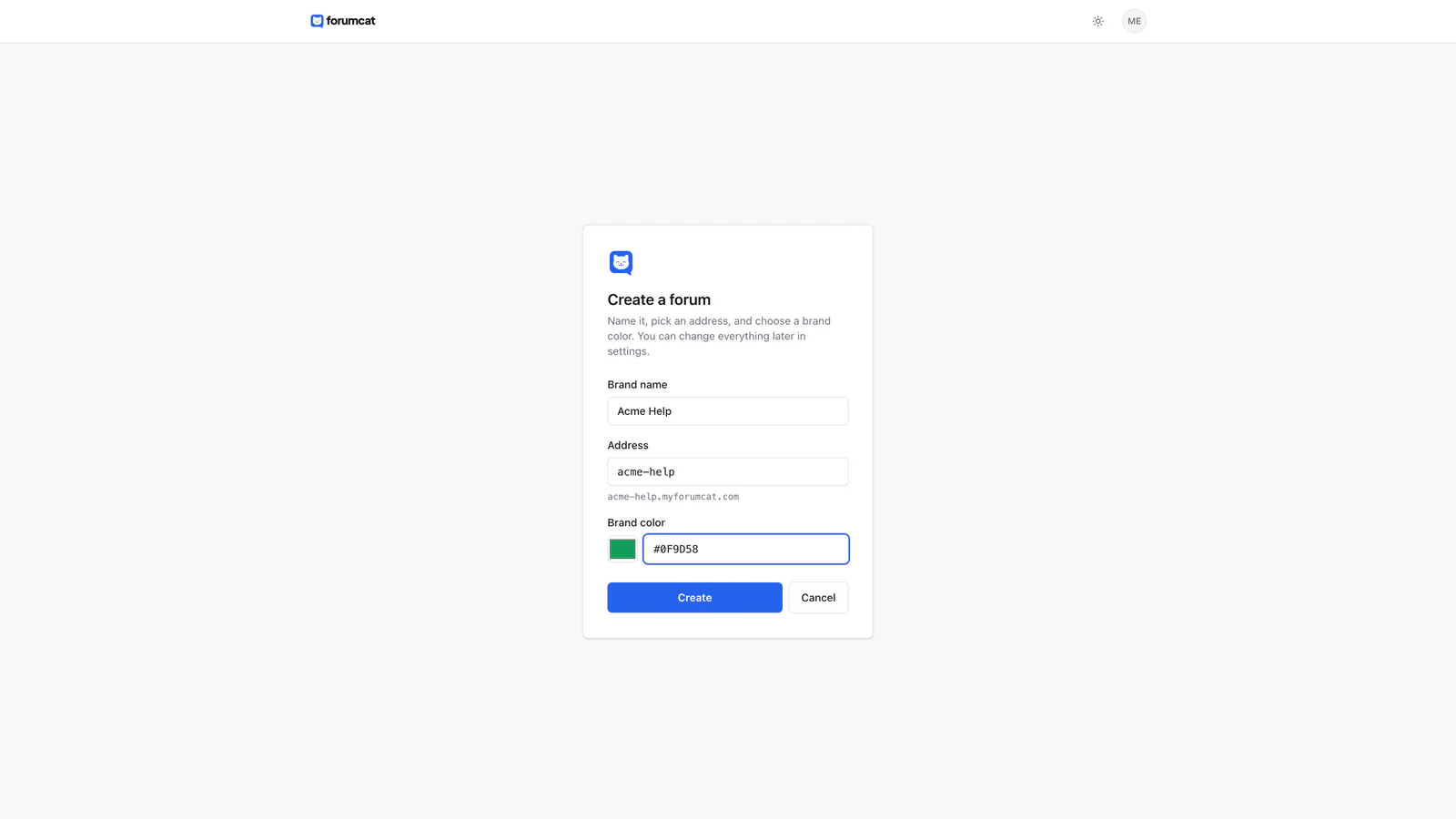
The hosted trade: minutes to live, no server to keep.
Keep reading: what Discourse hosting really costs and how to set up a customer support forum, and what free forum software really costs.